Fastest: use Share
You don't have to copy the link. Share the video or post straight to Zastillia: the app opens by itself and starts reading the recipe. It works on both iPhone and Android.
- 1
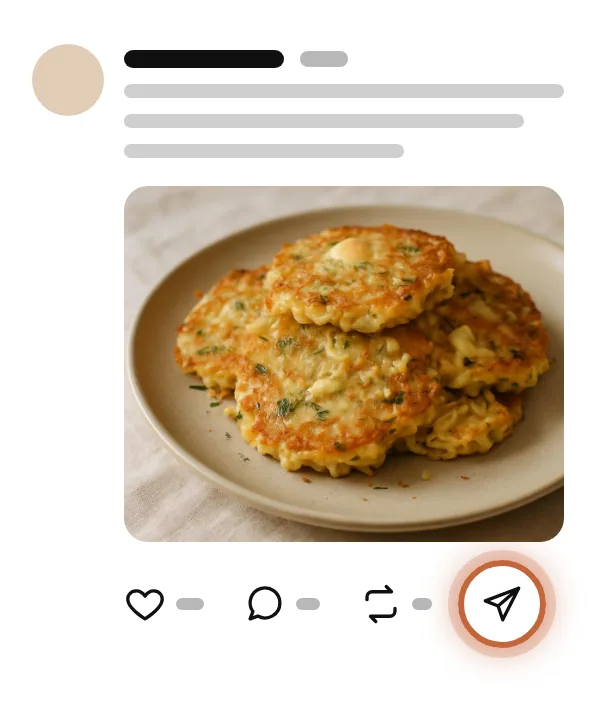
Tap Share
Under the Threads post, tap the paper plane icon.
- 2
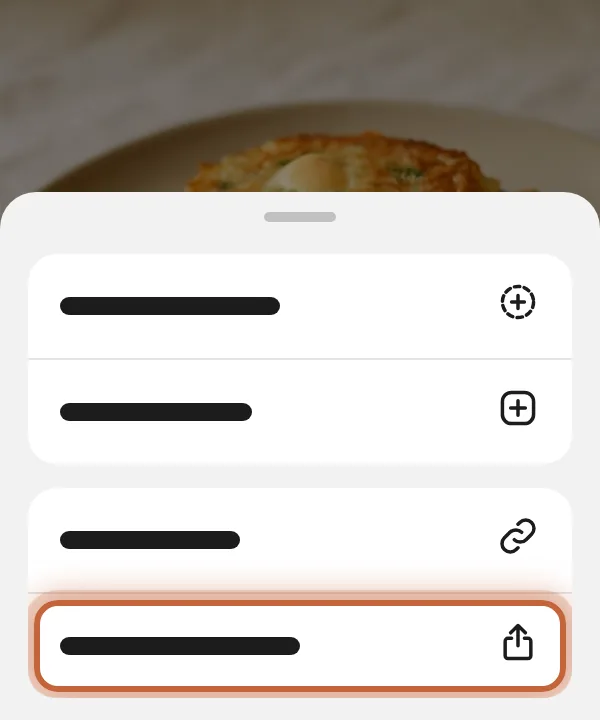
Open the system menu
In the menu, tap the line with the share icon: a square with an upward arrow on iPhone, or three connected dots on Android.
- 3
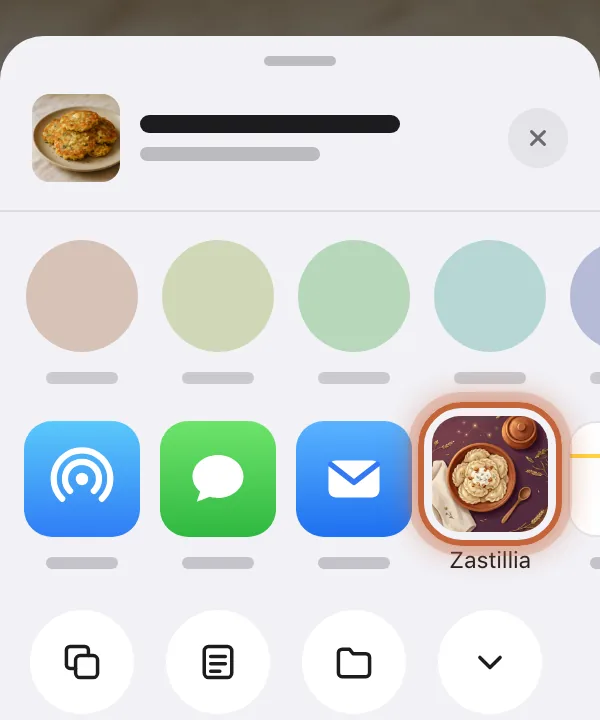
Pick Zastillia
In the share menu, tap the Zastillia icon. The app opens and starts the import right away, with nothing to paste.
iPhone 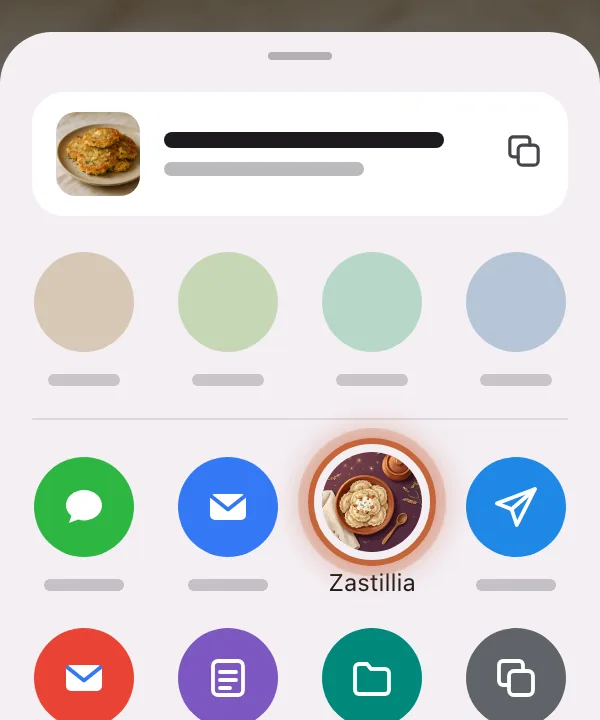
Android
Don't see Zastillia in the menu?
iPhone
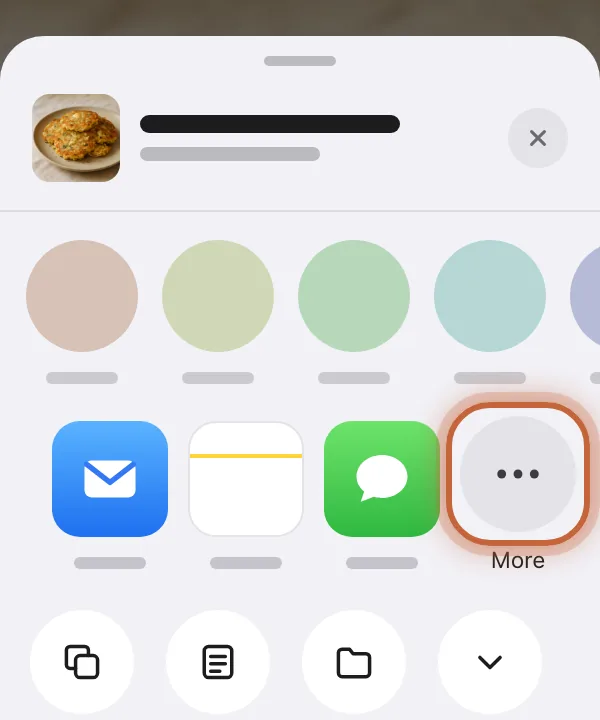
Scroll the row of apps all the way to the right and tap More.
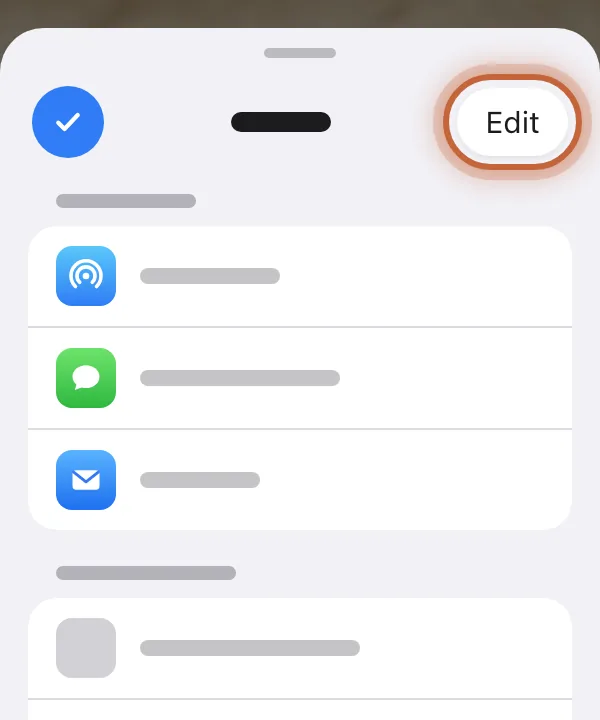
Tap Edit in the top right corner.
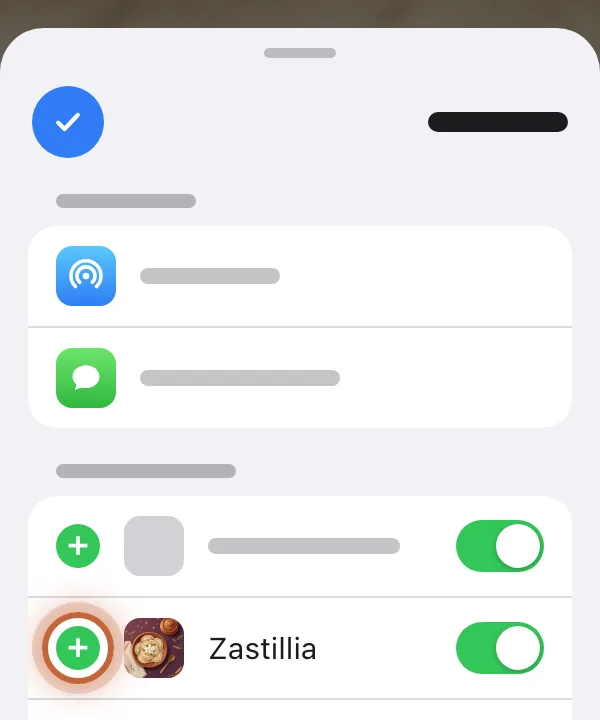
Tap the green + next to Zastillia, then Done. From now on Zastillia stays in the row.
Android
Android lists every app that can take a link, so scroll down the menu: Zastillia is there. To keep it first, touch and hold its icon and choose Pin.
Or copy the link
- 1
Copy the link
Under the post in Threads, tap Share and choose Copy link.
- 2
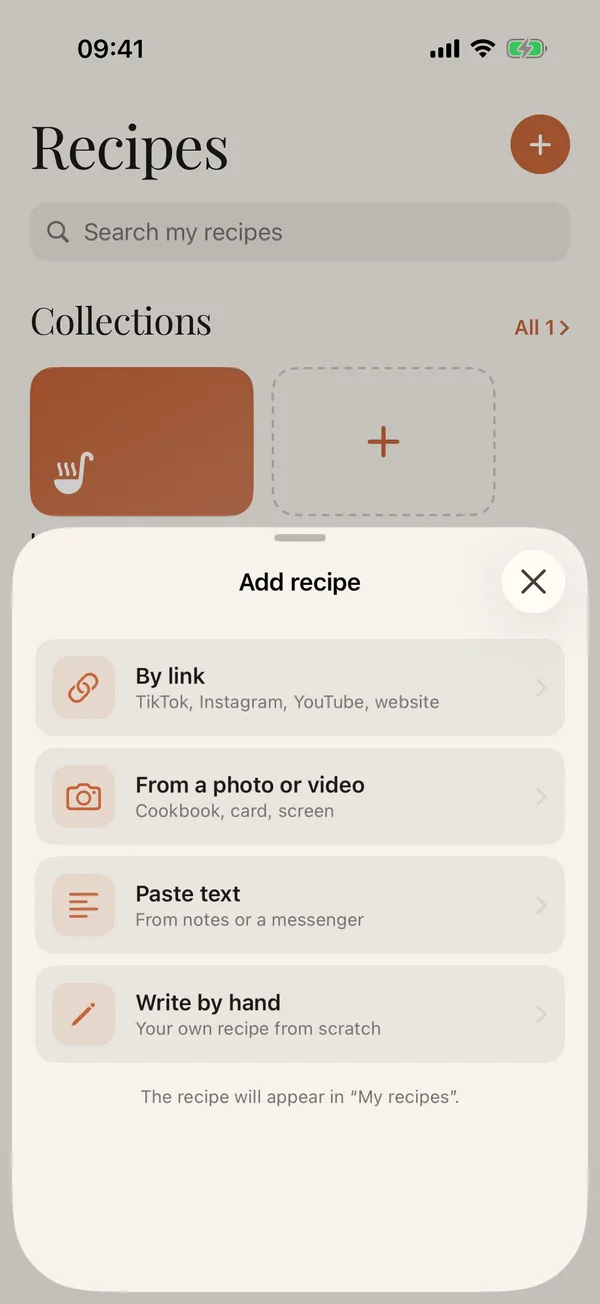
Open Add recipe
In Zastillia, on the Recipes tab, tap + and choose By link.
- 3
Paste the link
The copied link usually fills in by itself. If not, tap Paste from clipboard, then Recognize recipe.
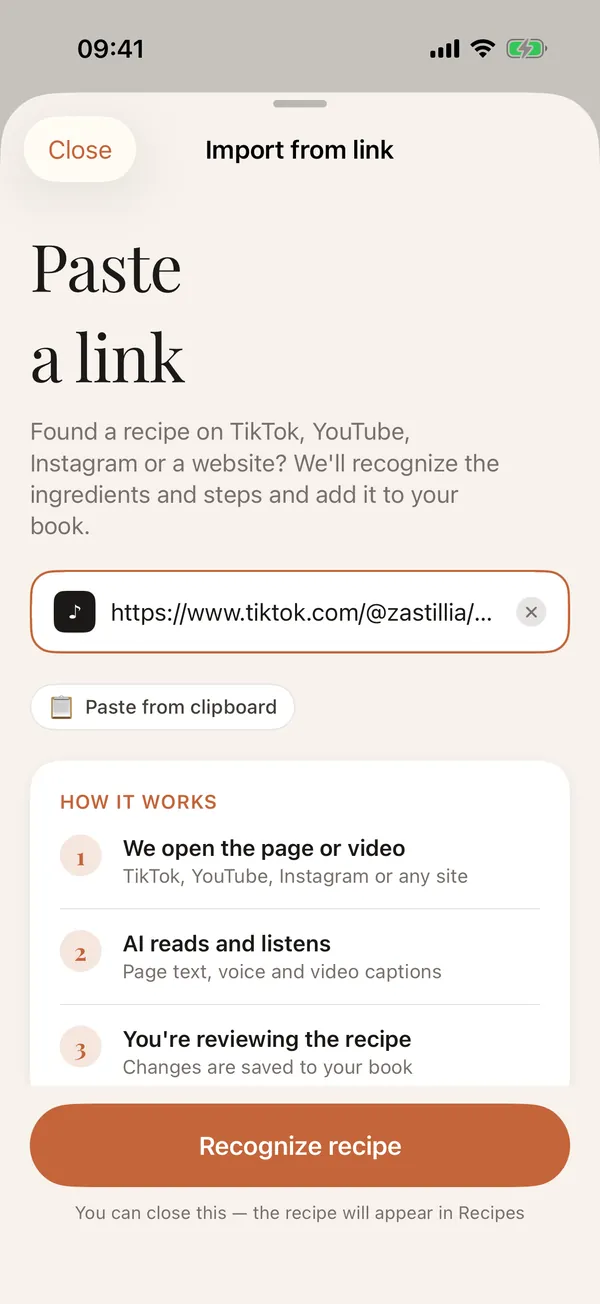
- 4
Give it a minute
AI stitches the post and its follow-ups into one text and looks at the photos and video. You can close the screen.
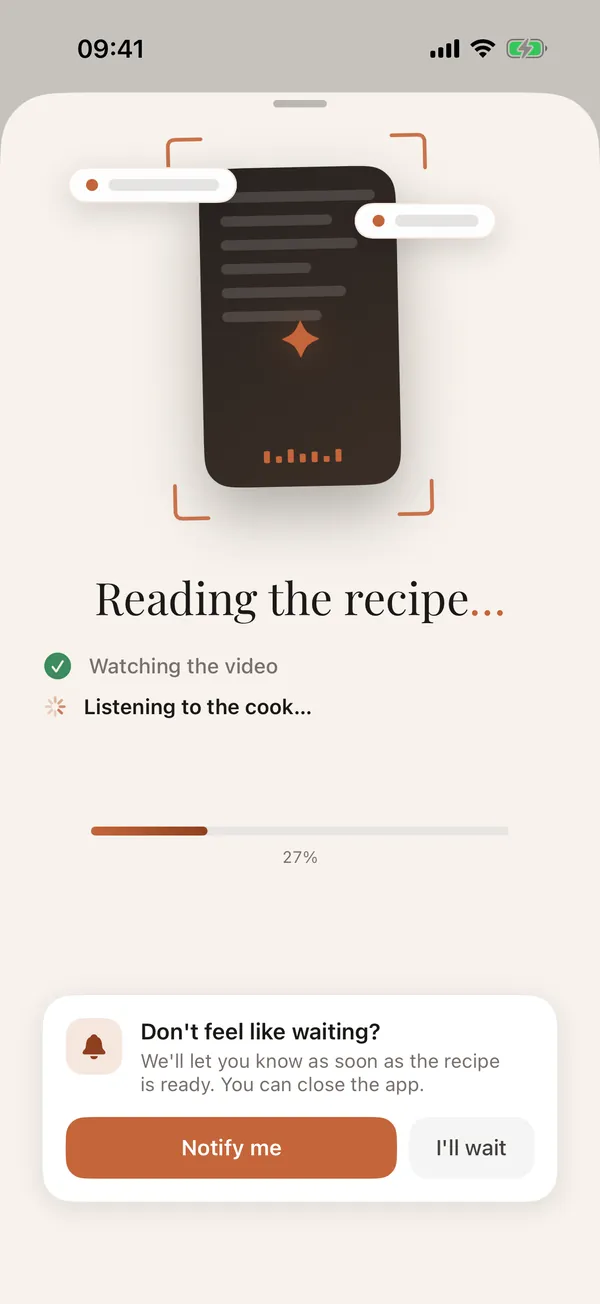
- 5
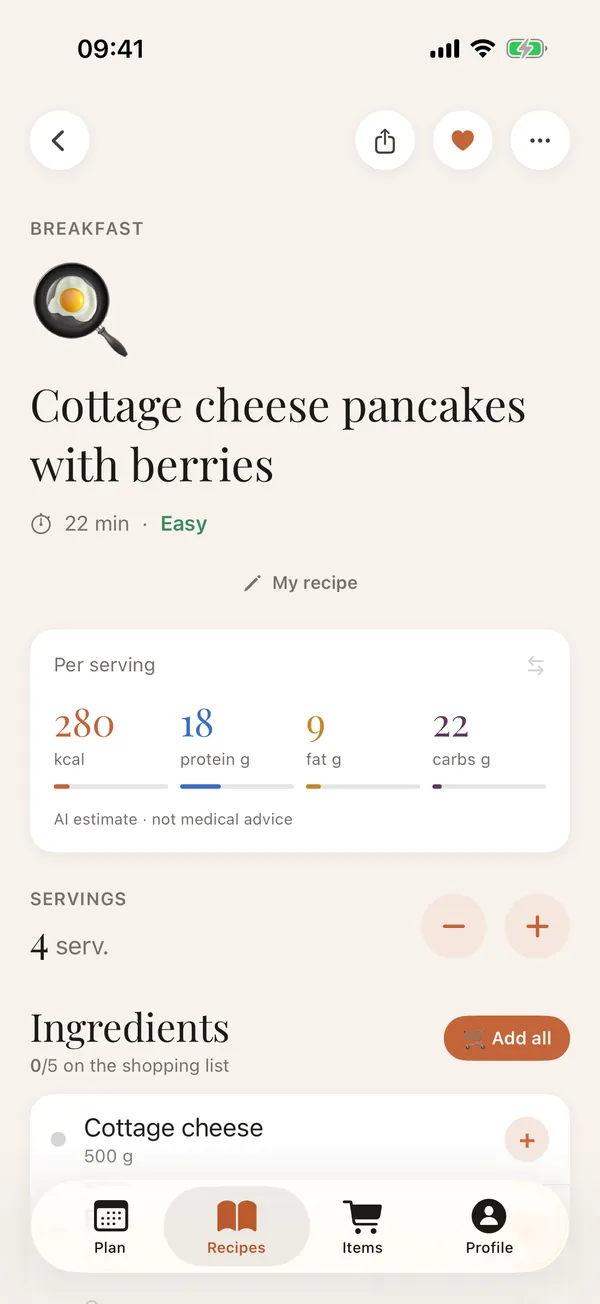
Check the recipe
Ingredients, steps and macros are in place. Every field can be edited.
Why Threads is a special case
On Threads, recipes are often posted as a chain: a photo and a hook in the first post, the ingredients in the author's reply, the method further down. Zastillia takes only the author's own continuation and does not mix it up with other people's comments.
What you get
- one recipe from the post, its photos or video and the author's follow-ups;
- ingredients with the amounts the author wrote;
- the steps in order, plus calories and macros per serving;
- a link back to the original post.
Good to know
- AI cannot open private profiles.
- Other people's comments never end up in the recipe.
- If the post only links to a Reel or a TikTok, Zastillia follows that link and takes the recipe from the video.