How to move your recipes into Zastillia
- 1
From social media
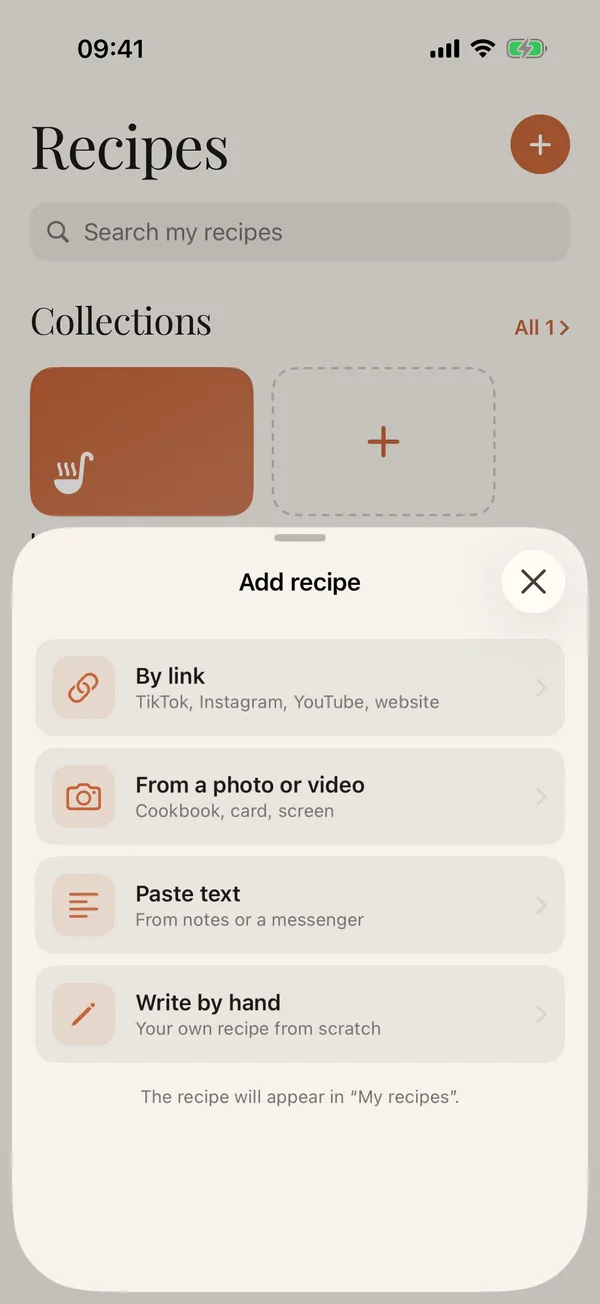
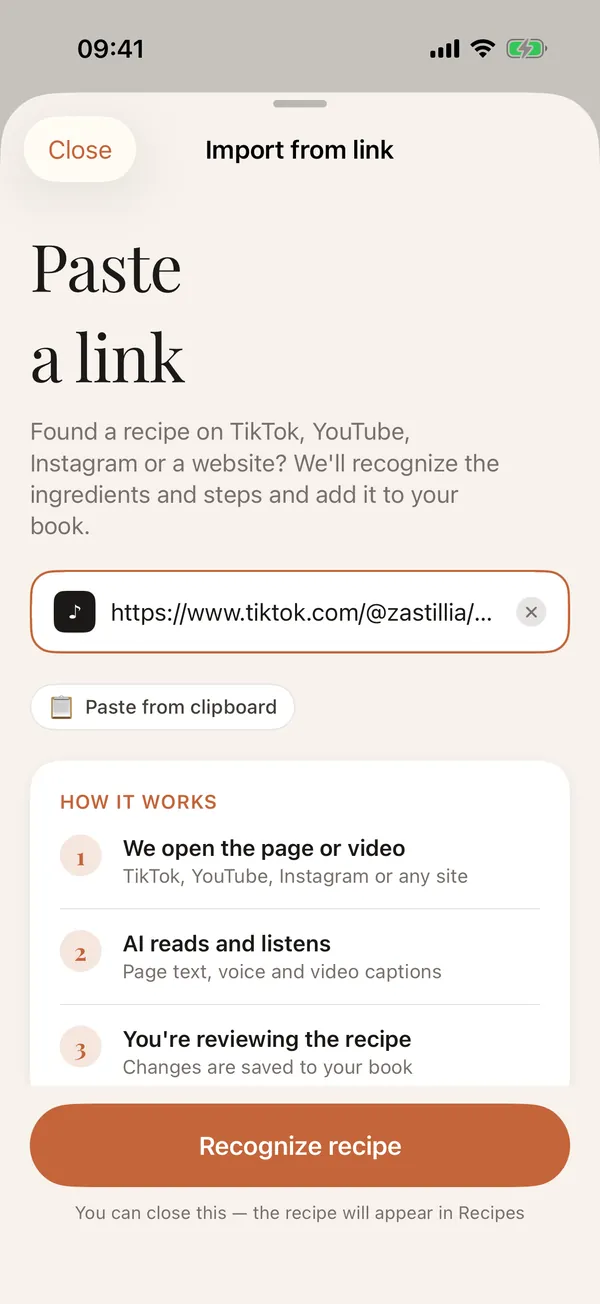
TikTok, Instagram, Threads and YouTube: copy the link to a post or video, or share it straight to Zastillia.
- 2
From websites
Paste the link to any recipe page: the app keeps the recipe itself, without the ads.
- 3
From notes and messages
Copy a recipe's text from your notes, a chat or an email and choose Paste text: AI splits it into ingredients and steps.
- 4
From photos and screenshots
On iPhone, choose From a photo or video and add a screenshot or a photo of a cookbook page: the app reads the text.
- 5
Keep it tidy
Recipes are sorted into categories, favourites get a heart, and search finds a recipe by its name.
What one recipe book gives you
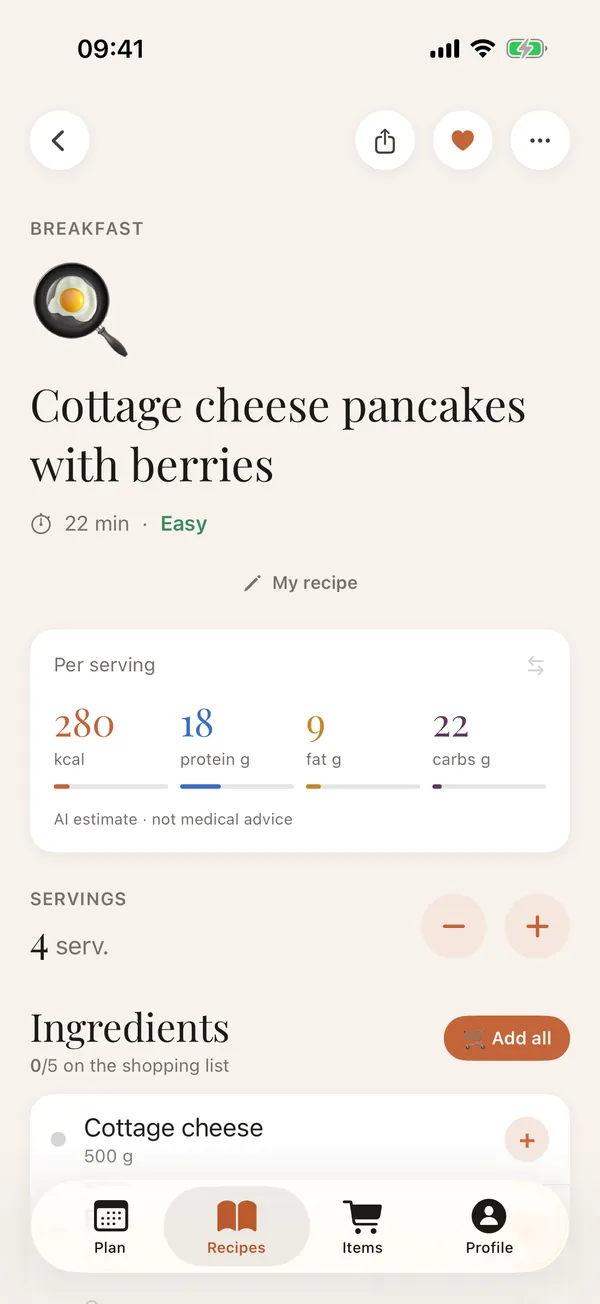
- the same card for every recipe: ingredients with amounts, steps, macros per serving;
- scaling to any number of servings;
- a weekly plan made from your own recipes;
- a shopping list in one tap, including one shared with your family;
- cooking mode with timers;
- on iPhone, recipes sync between devices through iCloud.
Questions
Can I move my Instagram saves?
Yes, one at a time: open a post in Saved and share it to Zastillia, or copy its link.
What if the website or video is deleted?
The recipe stays in your book: ingredients, steps and macros are stored in the app.
Is the app free?
The recipe book, catalogue recipes, shopping list and cooking mode are free. The first few AI imports are free, after that they are part of Premium.
Is Zastillia on Android?
Yes, the app is on the App Store and Google Play.